SourceIndex FAQ
How do I use SourceIndex in my workflow?
Just work as you did before. Once sourceindex init has run in a repository, your agent
invokes SourceIndex on its own whenever a task needs a search of the code, and you never call it
yourself.
The result comes back to the agent the same way its default search does — plain text it reads in place of grep output, with the relevant files and functions already picked out — so nothing in your workflow changes and nothing interrupts it.
Here is the prompt “tell me what this repo for” in each supported agent:
Show examples
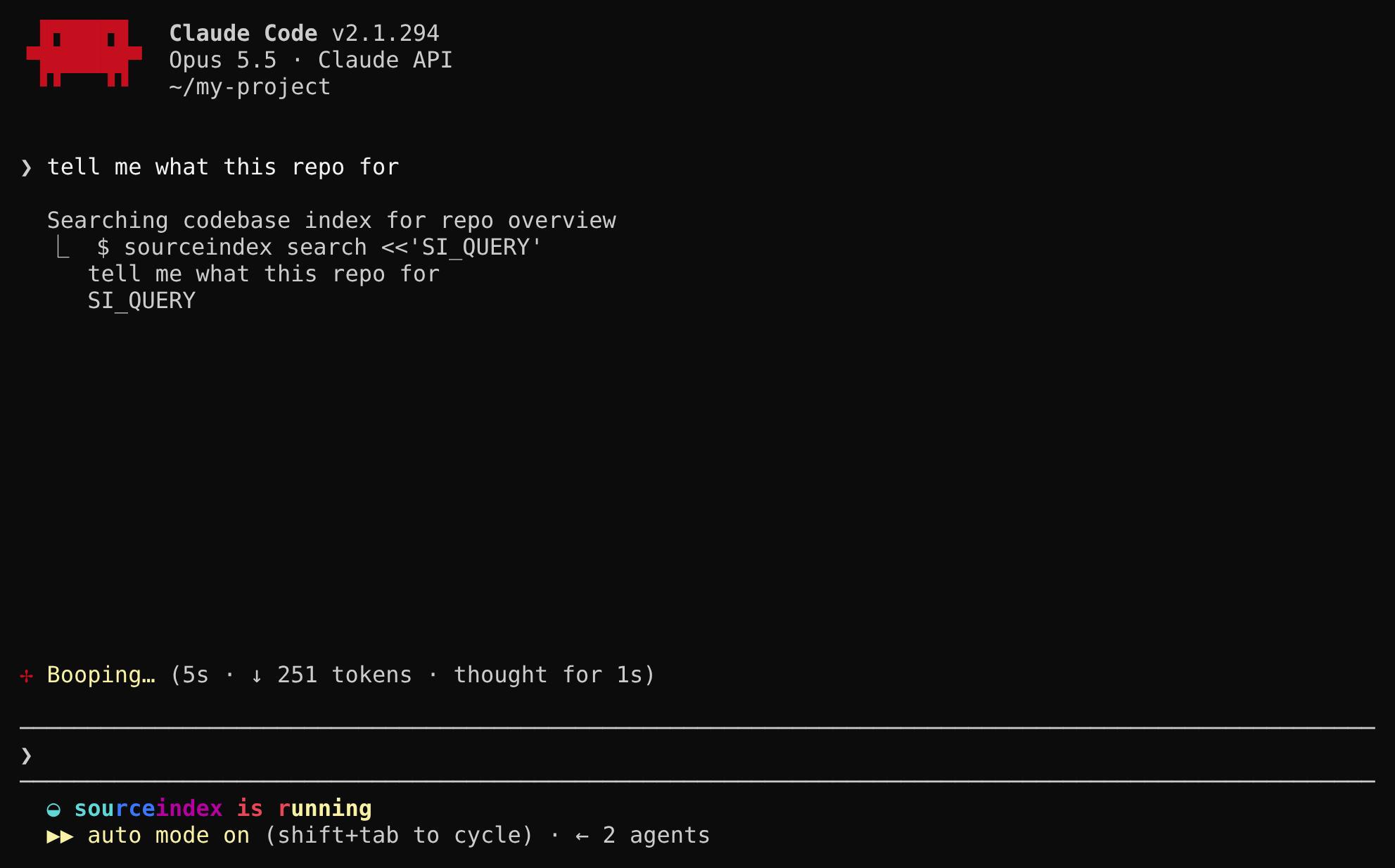
sourceindex search on its own — init told it to — and gets
back a roadmap of the exact files and functions for the task. While that runs, the status line
shows sourceindex is running.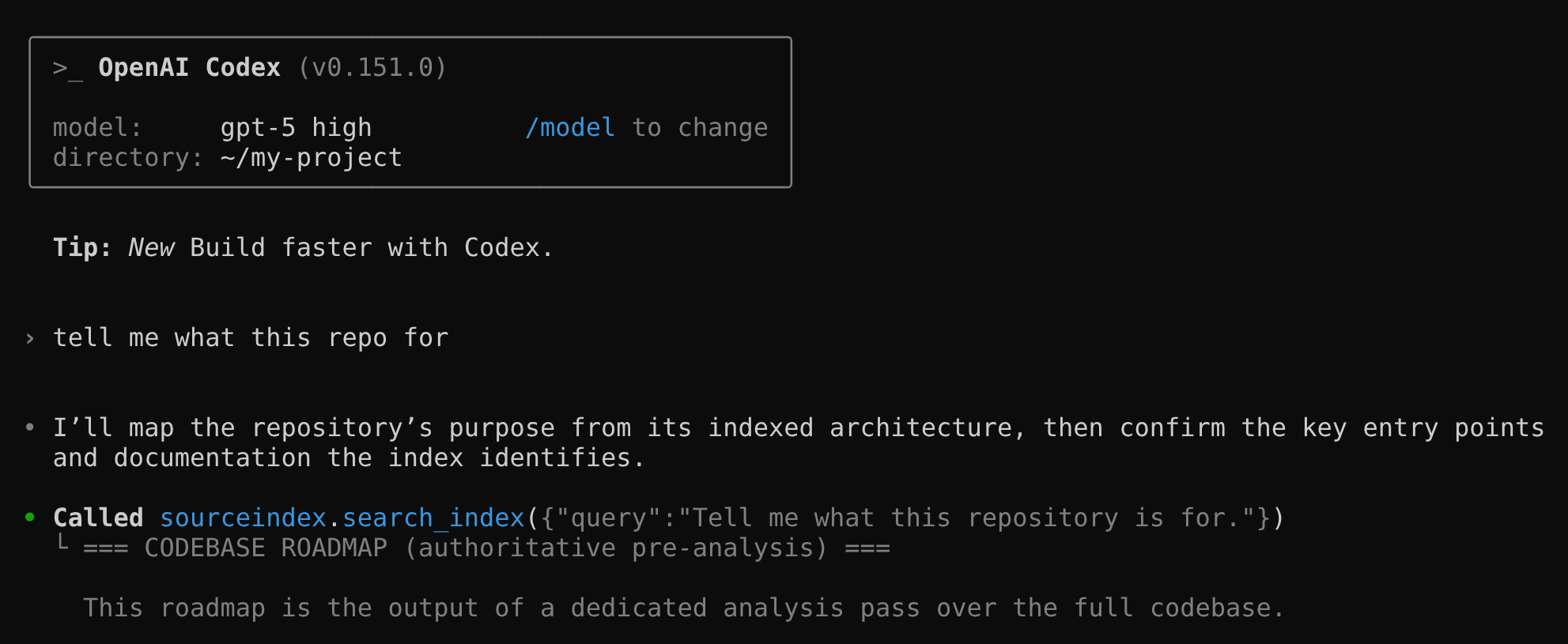
search_index tool first, then reads the exact files and functions the roadmap points to.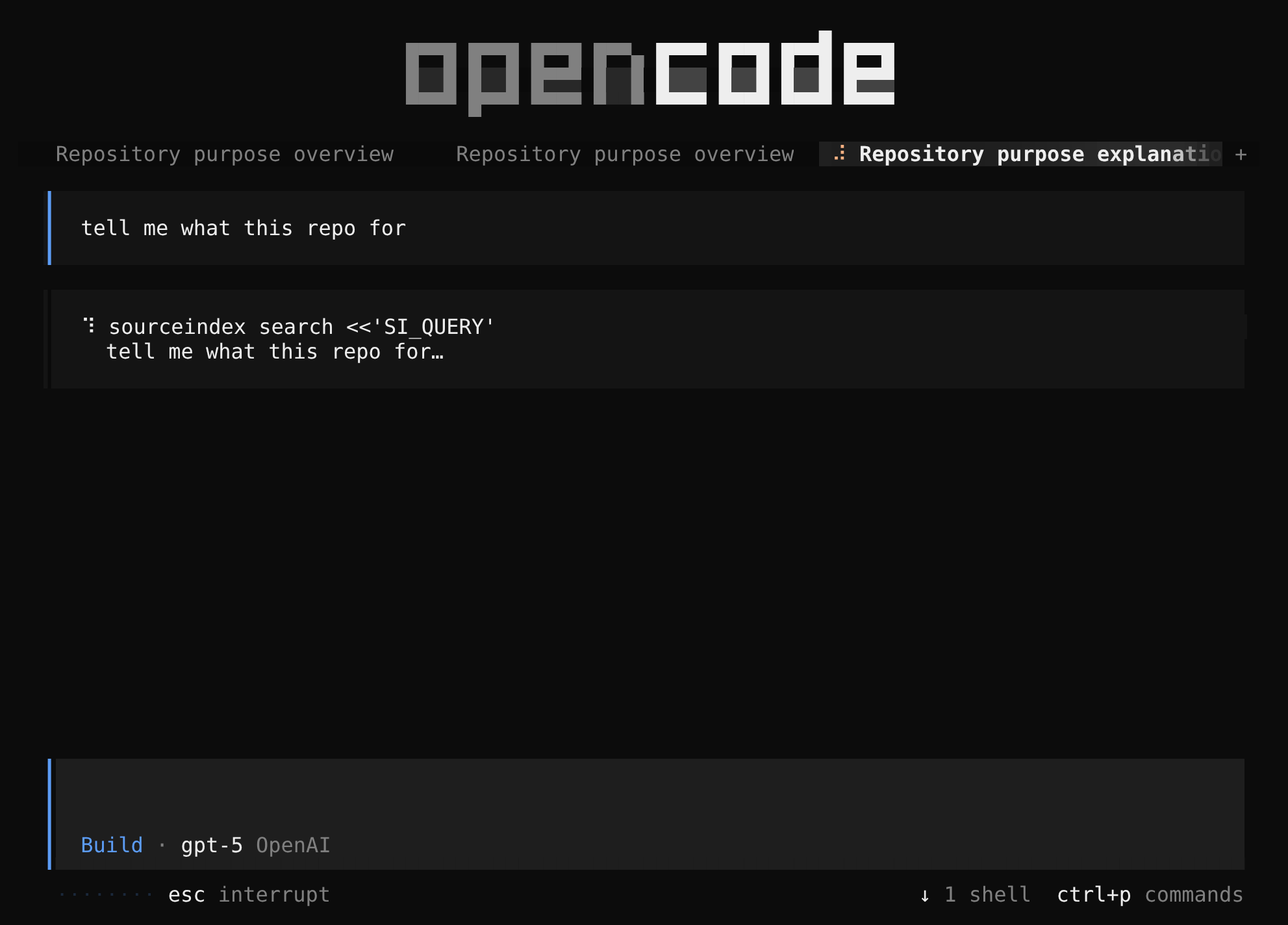
sourceindex search with your request as the query
and gets back a roadmap of the exact files and functions for the task.What data is sent to SourceIndex when I index a repository?
The contents of your source files in supported languages will be sent to SourceIndex. They are kept only for the life of the request and deleted when processing finishes.
To do that processing, your code is sent to model-inference services run by Amazon Web Services and Microsoft. They do not train on it, but they may retain it briefly for abuse monitoring under their own policies.
Files your .gitignore excludes and files in unrecognised languages are never uploaded.
What persists is the index itself: a read-only intermediate representation that the coding agent consumes, kept confidential in a third-party public cloud.
Does SourceIndex work on Windows?
Not natively yet. The client runs on macOS and Linux with Python 3.10 or newer.
Why am I getting “The sourceindex backend rejected the API key (HTTP 401)”?
The key SourceIndex is using is not valid for your account. It may have been revoked, mistyped, or
belong to a different account. Replace it with sourceindex api-key set, which prompts for
the new key and saves it as your default.
If SOURCEINDEX_API_KEY is exported in your shell, it wins over the stored key, so fix or
unset it there instead.
Why isn't my agent using SourceIndex?
First check that sourceindex init ran in this repository and that your
CLAUDE.md or AGENTS.md contains the “Codebase Search” section it
writes — if you had no such file when you ran init, run /init in your
agent and then sourceindex init again.
In Claude Code, project permission rules only apply in a trusted workspace: a folder never opened interactively ignores the rule, the search is denied, and the model falls back to grep.
In Codex, look for the search_index tool; if it is missing, check
.codex/config.toml for the [mcp_servers.sourceindex] entry.
In OpenCode, the agent runs sourceindex search with its bash tool, prompted by the
section in AGENTS.md — OpenCode reads AGENTS.md ahead of
CLAUDE.md, so check the section is there.
Use the command sourceindex doctor in the terminal to find more details.
Not seeing your question?
Write to [email protected] — even “I can't tell if it's working” is useful to us.